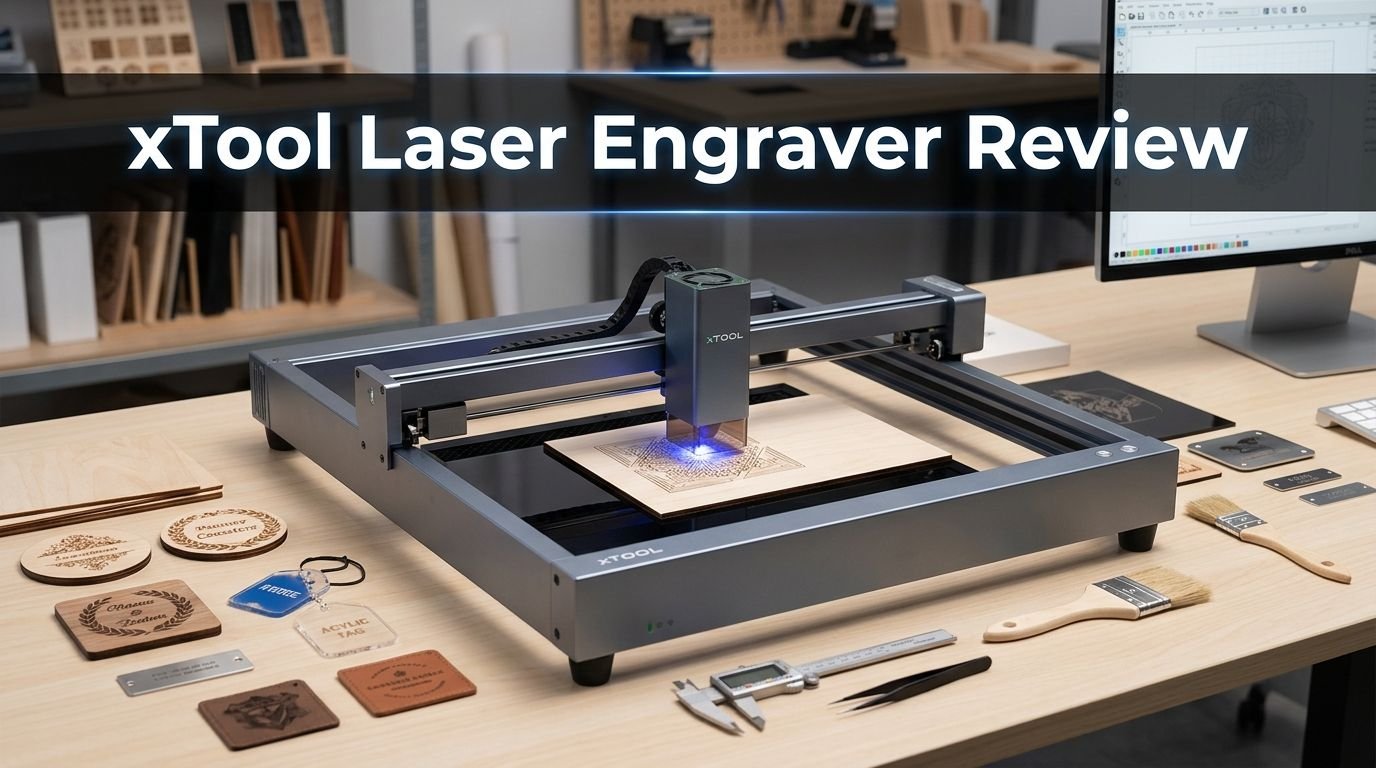
xTool Laser Engraver Review 2026: Is It Worth It?
Are you thinking about buying a laser engraver in 2026 and wondering if xTool lives up to the hype? You are not alone. xTool has become one of the biggest names in the laser engraving space, and for good reason. The brand offers machines for beginners, hobbyists, and small business owners alike.
This xTool laser engraver review covers everything you need to know before spending your money. We look at the most popular models, break down their features, and help you decide if an xTool machine belongs in your workshop.
Whether you want to engrave tumblers, cut wood, or mark metal, this guide gives you real answers based on actual performance data.
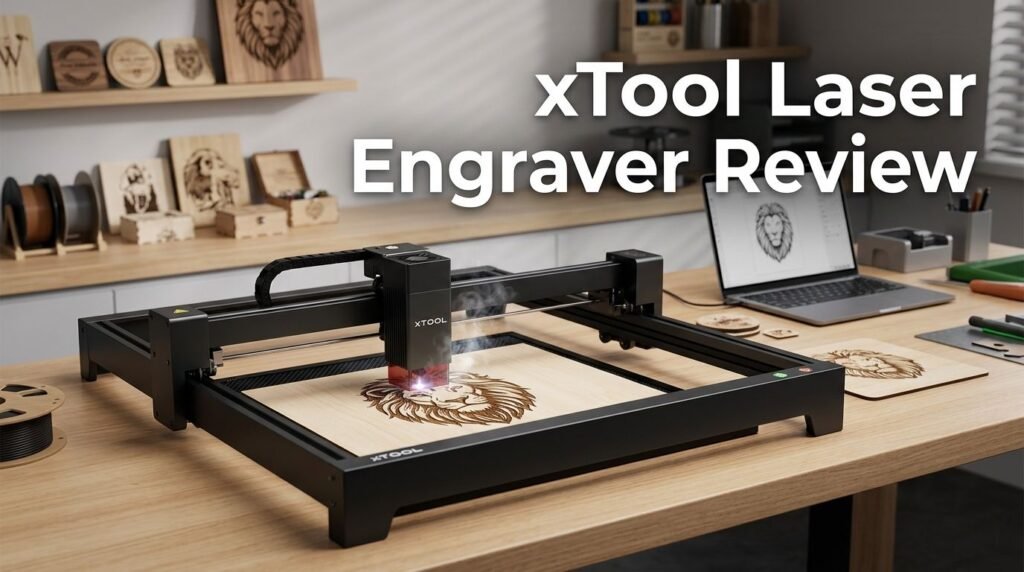
Key Takeaways:
- xTool offers a wide range of laser engravers from portable units like the F1 Ultra to enclosed workhorses like the S1 40W. This means there is a machine for almost every budget and use case, from hobby crafting to small business production.
- The xTool S1 40W stands out as the flagship enclosed diode laser. It cuts through 18mm cherry wood in a single pass, engraves at 600mm/s, and comes with Class 1 safety features including flame detection, emergency stop, and a lid safety interlock.
- xTool Creative Space software is free and beginner friendly. Users report it is easier to learn than alternatives like LightBurn. The software works on both Windows and macOS, and connects via WiFi or USB.
- CO2 options like the xTool P2S give you clear acrylic cutting capability that diode lasers simply cannot match. If your projects involve transparent materials, the P2S with its 55W CO2 tube is the better pick.
- Portability is a real option with the xTool F1 Ultra. This dual laser (fiber and diode) machine hits speeds up to 10,000mm/s and fits on a desk or craft fair table. It handles metal, wood, leather, and jewelry with ease.
- Customer support and community resources are strong. xTool provides detailed tutorials, active social media groups, and responsive support. This matters a lot for first time laser owners who need help getting started.

- [Unbeatable Power & Productivity] With a powerful 40W (40,000mW) laser, this advanced laser cutter...
- [Exclusive xTool Patented Technologies] Achieve next-level precision on your precious items with the...
Last update on 2026-10-21 / Affiliate links / Images from Amazon Product Advertising API Some of the links on this website are affiliate links, which means that at no additional cost to you, I earn a commission if you click through and make a purchase. I only recommend products and services that I believe will add value to my readers. Thank you for your support!
What Is the xTool Laser Engraver?
xTool is a brand created by Makeblock, a company based in Shenzhen, China. The brand focuses on desktop laser engravers and cutters built for creators, small businesses, and hobbyists. xTool machines use diode, CO2, and fiber laser technology depending on the model.
The product lineup includes enclosed machines, open frame designs, and portable engravers. Each model serves a specific purpose. The S1 handles heavy cutting jobs. The F1 Ultra excels at fast, portable engraving. The P2S uses CO2 power for materials that diode lasers struggle with.
xTool machines work with the brand’s free Creative Space software. This software lets you design, import files, and control every aspect of your engraving or cutting job. It supports SVG, PNG, JPG, DXF, and other common file formats.
One thing that sets xTool apart is the focus on safety. Most models include enclosed designs, flame detection sensors, emergency stop buttons, and automatic shutoff features. This makes them a smart pick for home workshops where safety is a top concern.
xTool S1 40W: The Flagship Enclosed Diode Laser

- [Unbeatable Power & Productivity] With a powerful 40W (40,000mW) laser, this advanced laser cutter...
- [Exclusive xTool Patented Technologies] Achieve next-level precision on your precious items with the...
Last update on 2026-10-21 / Affiliate links / Images from Amazon Product Advertising API Some of the links on this website are affiliate links, which means that at no additional cost to you, I earn a commission if you click through and make a purchase. I only recommend products and services that I believe will add value to my readers. Thank you for your support!
The xTool S1 40W is the brand’s most popular enclosed diode laser cutter and engraver. It uses advanced laser compression technology that merges eight 6W lasers into a single powerful 40W beam. This gives it cutting performance that rivals some CO2 lasers.
The work area measures 23.93 x 15.16 inches, which is large enough for most craft and small business projects. It can cut 18mm cherry wood in a single pass. The engraving speed tops out at 600mm/s, which means batch jobs finish fast.
Safety is a major strength of the S1. It has five direction flame detection, an emergency stop button, a lid open safety stop, and a laser key lock. These features earned it a Class 1 safety rating. You can run this machine in a home office without worry.
The S1 also supports 3D curve engraving technology, which lets you engrave curved surfaces like tumblers. Add the optional rotary attachment and you can customize cups, bottles, and cylindrical objects. The autofocus system adjusts the laser height automatically for different material thicknesses.
Top 3 Alternatives for xTool S1 40W Laser Engraver
If the xTool S1 40W is not the right fit for you, here are three strong alternatives worth considering.

- 🔥【One Key Switch Engraving/Cutting Mode】- ATOMSTACK S40 Pro laser engraver adopts the most...
- 🔥【Ultra-Fine Engraving & Super Fast Cutting】- Because of ultra-fine laser focus area reduced...
Last update on 2026-07-18 / Affiliate links / Images from Amazon Product Advertising API Some of the links on this website are affiliate links, which means that at no additional cost to you, I earn a commission if you click through and make a purchase. I only recommend products and services that I believe will add value to my readers. Thank you for your support!
The ATOMSTACK S40 Pro is a powerful open frame laser engraver with 40W optical power. It offers a one button switch between engraving and cutting modes. The engraving speed is 40% faster than its predecessor, the S30 Pro. This machine is a solid pick for users who want raw power without an enclosure.

- 【Ideal for Professional Cutting –Upgraded Falcon2 Pro S】The newest Creality Falcon2 Pro S 40W...
- 【40W Output & 600mm/s High-Speed Cutting】Falcon2 Pro S laser engraver delivers a powerful 40W...
Last update on 2026-10-21 / Affiliate links / Images from Amazon Product Advertising API Some of the links on this website are affiliate links, which means that at no additional cost to you, I earn a commission if you click through and make a purchase. I only recommend products and services that I believe will add value to my readers. Thank you for your support!
The Creality Falcon2 Pro 40W gives you desktop diode laser performance with integrated air assist and camera positioning. It delivers 240,000mW output power and can cut through thick wood and opaque acrylic. The price point is competitive and the build quality has improved significantly in the latest version.

- Powerful 60W Laser Cutter: Engineered for efficiency, our laser cutter delivers a remarkable 60W...
- Effortless Handling of Large Items: The dual pass-through feature, combined with a roomy...
Last update on 2026-10-21 / Affiliate links / Images from Amazon Product Advertising API Some of the links on this website are affiliate links, which means that at no additional cost to you, I earn a commission if you click through and make a purchase. I only recommend products and services that I believe will add value to my readers. Thank you for your support!
The OMTech 60W CO2 Laser Engraver is a great choice if you want CO2 cutting power at a reasonable price. It offers a 24 x 16 inch work area and works with LightBurn software. CO2 lasers cut clear acrylic and glass better than diode lasers, so this is the right pick for those materials.
xTool P2S 55W CO2 Laser Cutter: Best for Acrylic and Glass

- Enhanced Performance: The xTool P2S provides stronger airflow with more powerful exhaust fans and a...
- Supercharged Productivity: With engraving speeds of up to 600mm/s and upgraded smart fill batch...
Last update on 2026-10-21 / Affiliate links / Images from Amazon Product Advertising API Some of the links on this website are affiliate links, which means that at no additional cost to you, I earn a commission if you click through and make a purchase. I only recommend products and services that I believe will add value to my readers. Thank you for your support!
The xTool P2S is the brand’s premium CO2 laser machine. It uses a 55W CO2 laser tube with a lifespan of 6,000 to 8,000 hours. The work area measures 26 x 14 inches, which is generous for a desktop CO2 unit.
One of the biggest advantages of the P2S is its ability to cut clear acrylic. Diode lasers cannot do this because of their wavelength. The CO2 laser operates at 10.6 micrometers, which passes through transparent materials and cuts them cleanly.
The P2S features a 16MP dual HD camera for sharper preview images and precise material positioning. The AutoPassthrough function lets you process materials up to 118 inches long by feeding them through the machine. This is ideal for long signs, banners, or production runs.
Engraving speed reaches 600mm/s, and the machine supports a Riser Base accessory for engraving taller objects. The P2S costs more than the S1, but the CO2 laser technology opens up material options that diode machines simply cannot match.
xTool F1 Ultra: Speed and Portability Combined
The xTool F1 Ultra is built for makers who need speed and portability. This compact machine combines a 20W fiber laser and a diode laser in one unit. The dual laser setup means you can engrave almost any material without switching machines.
Engraving speed is the headline feature here. The F1 Ultra reaches 10,000mm/s, which makes it one of the fastest desktop laser engravers available. This speed makes batch production practical. You can engrave dozens of dog tags, keychains, or jewelry pieces in minutes.
The fiber laser handles metals like stainless steel, gold, silver, aluminum, and titanium. The diode laser covers wood, leather, acrylic, and other organic materials. This versatility makes the F1 Ultra a favorite at craft fairs and pop up shops.
A 16MP smart camera provides live workspace preview. The optional conveyor attachment enables continuous batch processing. You load items, set the design, and let the machine run through piece after piece.
xTool Creative Space Software: Free and Easy to Use
Every xTool machine comes with xTool Creative Space (XCS), the brand’s free design and control software. XCS runs on both Windows and macOS. It connects to your machine via WiFi or USB cable.
The software includes a built in design editor where you can create shapes, add text, and import files. It supports SVG, PNG, JPG, BMP, DXF, and AI formats. You can also access a library of pre made templates and project ideas directly inside the app.
One standout feature is the material database. XCS includes preset parameters for hundreds of materials. Select your material type and thickness, and the software automatically sets the correct laser power, speed, and number of passes. This removes a lot of guesswork for beginners.
The camera preview feature works with supported models to show you exactly where your design will land on the material. This helps reduce waste and improves alignment accuracy. Users consistently praise XCS for its simple interface compared to alternatives like LightBurn.
Materials You Can Engrave and Cut with xTool Machines
xTool laser engravers handle a wide variety of materials. The exact list depends on which laser type your machine uses. Diode lasers like those in the S1 work well with wood, plywood, MDF, leather, fabric, paper, cardboard, opaque acrylic, rubber, and coated metals.
CO2 lasers like the P2S add clear acrylic, glass, marble, ceramic, and certain plastics to that list. The CO2 wavelength interacts with these materials in ways that diode lasers cannot replicate.
Fiber lasers found in the F1 Ultra can engrave directly on bare metals. This includes stainless steel, aluminum, gold, silver, copper, titanium, and brass. Fiber lasers also produce color engravings on stainless steel by adjusting power and speed settings.
The xTool S1 can cut up to 18mm cherry wood and 10mm black acrylic in a single pass with the 40W module. Thinner materials like 3mm plywood cut quickly and cleanly. For engraving, almost any flat or mildly curved surface works with the right settings.
Safety Features That Set xTool Apart
Safety is a top priority across the xTool product line. The xTool S1 earned a Class 1 safety classification, which means it is safe for use without additional protective equipment under normal operating conditions.
The enclosed design blocks laser light from escaping. A five direction flame detection system monitors the work area for fire. If a flame is detected, the machine stops the laser immediately. This feature alone gives many users peace of mind.
An emergency stop button sits on the front of the machine for quick access. The lid safety interlock pauses the laser if the enclosure is opened during operation. A laser key lock prevents unauthorized use, which is important in homes with children.
The built in air assist system blows debris away from the cut area. This reduces charring and helps prevent material ignition. The exhaust system with the included ventilation hose removes smoke and fumes from the workspace.
xTool Laser Engraver for Small Business Use
Many small business owners use xTool machines to create and sell custom products. The S1 40W is popular for cutting wood signs, engraving tumblers, and personalizing gifts. The batch processing capability helps business owners fill orders faster.
The F1 Ultra works great at craft fairs and markets. Its portable design and fast engraving speed let vendors customize items on the spot. Customers love watching their names get engraved on products in real time. This creates a unique selling experience.
Revenue potential is real with these machines. Custom tumblers sell for $25 to $50 each. Engraved cutting boards go for $30 to $75. Personalized jewelry pieces range from $15 to $100. Material costs stay low, which means profit margins are strong.
The xTool P2S targets businesses that need CO2 laser capabilities for acrylic products, signage, and detailed engraving work. Its AutoPassthrough feature supports long production runs without constant repositioning.
Build Quality and Durability
xTool machines use aluminum alloy frames and steel components that hold up well over time. The S1 enclosure feels solid and well built. The lid opens smoothly and stays in position. Internal wiring is clean and organized.
The laser modules in xTool machines have a rated lifespan of approximately 10,000 hours for diode lasers. The P2S CO2 tube lasts between 6,000 and 8,000 hours. These lifespans are competitive with other brands in the same price range.
The linear rail system on the S1 and other models provides smooth and consistent movement. This directly affects engraving quality. Cheap machines use belt drives that stretch and lose accuracy over time. xTool uses a combination of precision stepper motors and quality guide rails.
Dust and debris can accumulate inside the machine over time. xTool recommends regular cleaning of the lens, mirrors (on CO2 models), and work surface. The P2S now includes optical path indicators that make daily maintenance easier than previous models.
Accessories and Add Ons Worth Buying
xTool offers a solid range of accessories that extend what your machine can do. The RA2 Pro 4 in 1 rotary attachment lets you engrave cylindrical, spherical, and ring shaped objects. This is essential for tumbler and cup personalization.
The riser base for the P2S and S1 raises the machine to accommodate taller objects. Without it, you are limited to materials that fit inside the standard enclosure height. The riser effectively doubles your vertical clearance.
Honeycomb panels improve airflow beneath your material during cutting. This reduces burn marks on the bottom surface. The honeycomb also prevents small parts from falling through and getting lost.
The auto conveyor available for the F1 Ultra enables hands free batch processing. Load your items onto the belt, press start, and the machine engraves each piece automatically. This saves hours of manual loading and repositioning during large batch runs.
xTool Pricing: What to Expect in 2026
xTool pricing varies by model and bundle. The xTool S1 20W starts around $1,100, while the S1 40W with air assist and honeycomb runs approximately $1,899. Bundles that include a rotary attachment and additional accessories cost more.
The xTool P2S sits at a higher price point, around $3,500 to $4,000 depending on the bundle. This premium price reflects the CO2 laser technology and larger feature set. For business users, the investment pays off quickly through increased material versatility.
The xTool F1 Ultra typically sells for around $2,500 to $3,000 with accessories. The fiber laser technology inside the F1 Ultra justifies the higher cost. Comparable fiber laser machines from other brands often cost significantly more.
Keep an eye on seasonal sales from xTool. The brand runs promotions during major holidays, Prime Day, and Black Friday events. Discounts of 15% to 30% are common during these periods. Buying during a sale can save you hundreds of dollars.
Pros and Cons of xTool Laser Engravers
The biggest strengths of xTool machines include excellent safety features, free and capable software, strong build quality, and good customer support. The enclosed designs on the S1 and P2S make them safe for home use. The material database in XCS removes a lot of trial and error.
On the positive side, xTool machines connect easily via WiFi. Setup takes under an hour for most models. The camera positioning system improves accuracy. The variety of laser types (diode, CO2, fiber) means xTool has a solution for almost every material.
On the downside, xTool machines cost more than many competitors. The S1 workspace is limited to 498 x 319mm, which can feel small for larger projects. Diode models cannot cut clear acrylic, which is a common request from crafters.
The P2S CO2 tube has a limited lifespan compared to the nearly infinite service life of diode laser modules. Replacement tubes add to long term ownership costs. Some users also report that the proprietary software, while easy, lacks the advanced control that LightBurn provides.
Who Should Buy an xTool Laser Engraver?
xTool laser engravers are a great fit for beginners who want a safe and easy to use machine. The enclosed designs, free software, and preset material settings reduce the learning curve significantly. You can start making projects on day one.
Small business owners benefit from the batch processing features, WiFi connectivity, and accessory ecosystem. If you plan to sell custom engraved or cut products, an xTool machine gives you the tools to produce items efficiently. The F1 Ultra is perfect for vendors who work at events.
Experienced makers who want a reliable secondary machine will appreciate the build quality and consistency. The P2S is a strong choice for makers who already own a diode laser and want to add CO2 cutting capability.
If you need a large format cutter or industrial level power, xTool machines may not be the best fit. The desktop form factor limits material size. For very large projects, consider an OMTech or similar industrial CO2 laser with a bigger work area.
Final Verdict: Is the xTool Laser Engraver Worth It in 2026?
Yes, xTool laser engravers remain a top choice in 2026. The brand continues to deliver machines that balance performance, safety, and ease of use. The S1 40W is one of the best enclosed diode lasers on the market. The P2S offers premium CO2 performance in a compact package. The F1 Ultra is hard to beat for portable fiber laser engraving.
The software is free and gets regular updates. The accessory ecosystem keeps growing. Customer support is responsive and helpful. These factors matter just as much as raw specs when you use a machine regularly.
Pricing is the biggest consideration. xTool machines cost more than budget brands like ATOMSTACK or Creality. But you get better safety features, smoother software, and a more polished user experience. For most buyers, the extra investment is worth it.
If you are ready to start laser engraving or cutting, xTool gives you a clear path from beginner to business owner. Pick the model that matches your materials and budget, and start creating.
Frequently Asked Questions
Is xTool a good brand for laser engravers?
Yes. xTool has built a strong reputation for quality laser engravers since its launch. The brand offers machines across multiple price points with consistent build quality. User reviews on Amazon and Reddit frequently praise the ease of setup and reliable performance. The free Creative Space software and active community support add extra value that many competitors do not match.
Can xTool laser engravers cut metal?
xTool diode lasers like the S1 can engrave coated metals and anodized aluminum but cannot cut through metal sheets. The F1 Ultra with its fiber laser can engrave bare metals including stainless steel, gold, silver, and titanium. For thin metal cutting, you need the F1 Ultra’s fiber laser at specific settings. Thick metal cutting requires industrial machines beyond xTool’s desktop range.
What is the difference between xTool S1 and P2S?
The S1 uses a diode laser (available in 10W, 20W, and 40W) while the P2S uses a 55W CO2 laser. The S1 is better for wood, leather, and opaque acrylic. The P2S cuts clear acrylic, glass, and a wider range of materials due to its different wavelength. The P2S also has a larger work area at 26 x 14 inches compared to the S1’s 23.93 x 15.16 inches.
How long does an xTool laser module last?
Diode laser modules in xTool machines last approximately 10,000 hours of active use. The CO2 tube in the P2S has a lifespan of 6,000 to 8,000 hours. For most hobbyists and small business users, this translates to several years of regular use before a replacement is needed.
Do I need ventilation for an xTool laser engraver?
Yes, proper ventilation is important. Laser cutting and engraving produce smoke and fumes that should be exhausted outside or filtered. xTool enclosed machines like the S1 and P2S include exhaust ports for connecting ventilation hoses. You can vent directly outside through a window or use an inline filter system for indoor setups.
Is xTool Creative Space software free?
Yes. xTool Creative Space (XCS) is completely free to download and use. It works on Windows and macOS. The software receives regular updates with new features and material presets. There are no subscription fees or hidden costs. Some advanced users choose to also use LightBurn ($60 one time purchase) for more control, but XCS handles most tasks well on its own.

Hi, I’m Amelia Thornton, the founder of ElectroPro.blog.
I write about smart devices, gadgets, electronics, and tech essentials from Amazon.
My goal is to help you discover reliable and innovative tech that truly makes life easier.
From home automation to everyday gear, I test and share what’s worth your investment.
Join me as I explore the smartest tech trends—one gadget at a time.