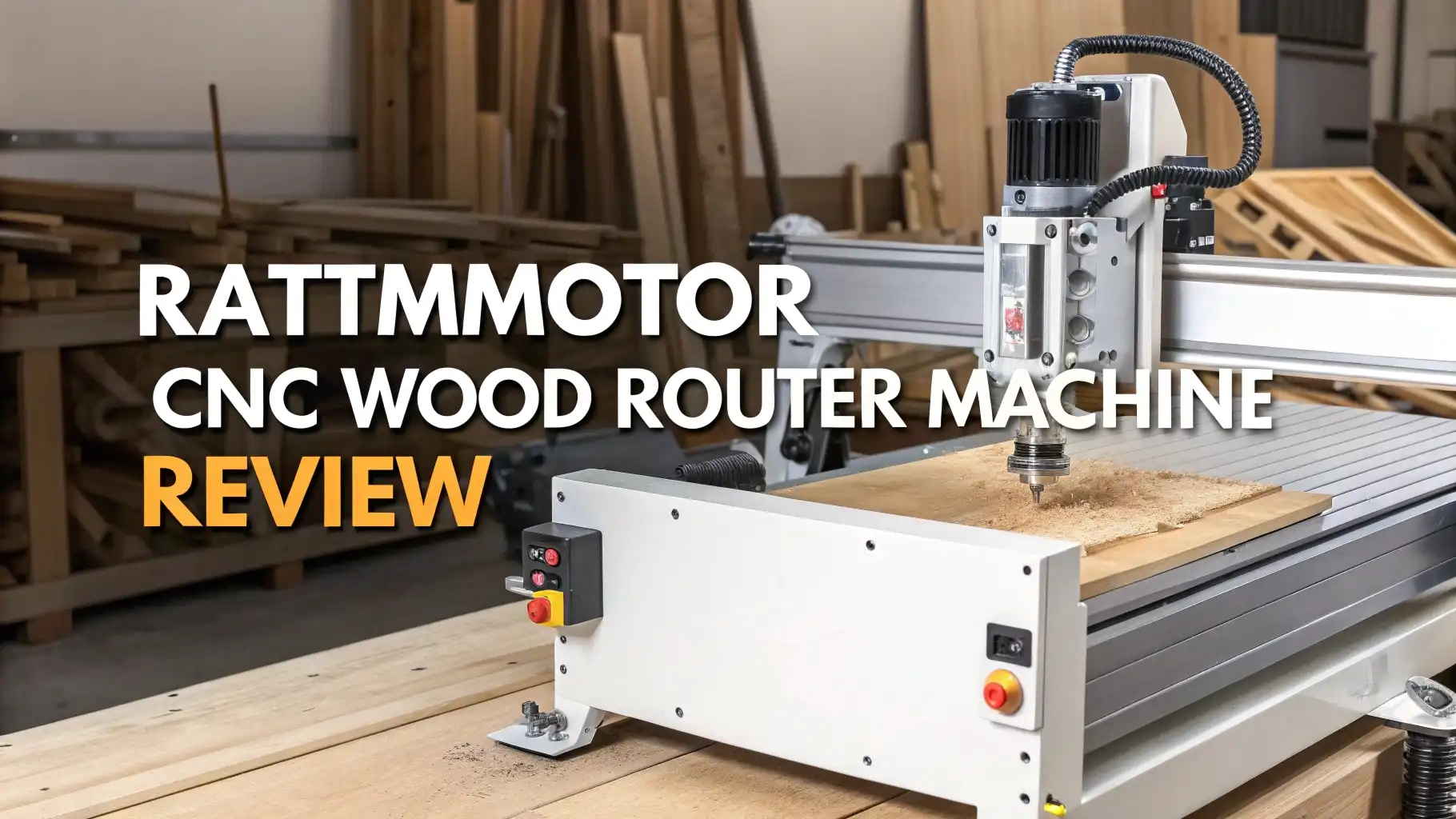
RATTMMOTOR CNC Wood Router Machine Review In 2026
Hey there, fellow makers and woodworking fans! Are you thinking about jumping into the exciting world of CNC routing? You’ve probably heard about RATTMMOTOR machines and wonder if they’re the right fit for your workshop.
Well, you’ve landed in the perfect spot! This review will walk you through everything you need to know about RATTMMOTOR CNC Wood Router Machines in 2026.
Whether you’re a complete beginner or looking to upgrade your current setup, this guide will help you make a smart buying decision. So grab your coffee, get comfortable, and let’s discover if RATTMMOTOR deserves a place on your workbench!
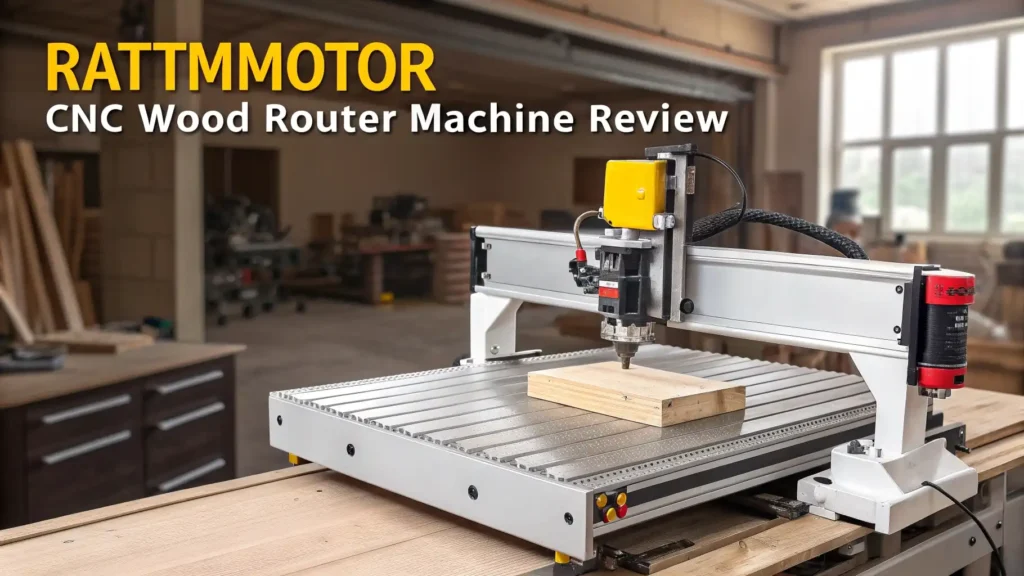
Key Takeaways
- Budget Friendly Entry Point: RATTMMOTOR machines start around $130 to $150, making them one of the most affordable options for beginners who want to explore CNC routing without breaking the bank.
- Compact Desktop Design: These machines feature working areas around 300x180x45mm (approximately 11.8 x 7.1 x 1.8 inches), which fits perfectly on most workbenches and doesn’t require a dedicated workshop space.
- GRBL Control System: All RATTMMOTOR models come with GRBL control software, which is industry standard and works with popular CAM programs, making your learning curve much easier.
- Versatile Material Compatibility: You can work with wood, acrylic, PVC, PCB, soft metals, and plastic materials, giving you tons of creative project possibilities right from day one.
- Upgrade Ready Platform: The 3018-PRO series offers emergency stop buttons, limit switches, and offline controllers, providing safety features and convenience that many budget machines skip entirely.

- ✅【Upgrade Version CNC】Frame size: 42x35x27CM (16.53 x 13.78 x 10.63”). Working...
- ✅【Material and Dimensions】The fixed external frame is made of black injection molding...
Last update on 2026-09-21 / Affiliate links / Images from Amazon Product Advertising API Some of the links on this website are affiliate links, which means that at no additional cost to you, I earn a commission if you click through and make a purchase. I only recommend products and services that I believe will add value to my readers. Thank you for your support!
What is RATTMMOTOR CNC Wood Router Machine
RATTMMOTOR CNC Wood Router Machine is a desktop sized CNC router designed for hobbyists, makers, and small business owners. This machine falls into the popular 3018 series category, which refers to its working area dimensions.
The RATTMMOTOR brand has gained solid recognition in the maker community for offering entry level CNC machines that don’t sacrifice quality for price. These machines use three axis movement (X, Y, and Z) to precisely carve, engrave, and cut various materials.
The aluminum alloy frame provides decent rigidity while keeping the weight manageable. You can think of it as your personal manufacturing tool that transforms digital designs into physical objects.
The machine works with standard CAM software and accepts G code files, making it compatible with industry standard workflows.
Build Quality and Construction
The RATTMMOTOR CNC router features an aluminum alloy frame that strikes a good balance between strength and weight. The frame measures approximately 42x35x27cm (16.53 x 13.78 x 10.63 inches), making it compact enough for most workspaces.
The construction uses quality components including stepper motors for each axis and linear guide rails for smooth movement. The machine bed provides a stable platform for your workpieces, and the overall assembly feels solid once properly tightened.
The V slot aluminum extrusion design allows for easy maintenance and potential future upgrades.
One thing worth noting is that the machine requires careful assembly, but the process teaches you valuable knowledge about how CNC systems work. The wiring is organized reasonably well, though you might want to add some cable management for a cleaner look.
Working Area and Size Specifications
The RATTMMOTOR 3018-PRO MAX offers a working area of 300x180x45mm (approximately 11.8 x 7.1 x 1.8 inches). This size is perfect for small to medium projects like custom signs, jewelry, PCB milling, and decorative pieces.
The Z axis travel of 45mm gives you enough depth for most engraving and light cutting operations. While this isn’t large enough for furniture sized projects, it’s ideal for detailed work and prototyping.
The compact footprint means you can set up the machine on a standard desk or workbench without needing a dedicated workshop space. You can comfortably work with materials like 6×6 inch wood blanks, standard PCB boards, and acrylic sheets cut to size.
The work area accommodates most hobby projects perfectly, and you’ll be surprised how much you can create within these dimensions.
Top 3 Alternatives for RATTMMOTOR CNC Wood Router Machine

- START YOUR CNC JOURNEY – The Genmitsu 3018-PRO is a compact desktop CNC router machine designed...
- CREATE WITH MULTIPLE MATERIALS – Take on CNC projects in wood, acrylic, PVC, plastic, PCB, and...

Last update on 2026-09-21 / Affiliate links / Images from Amazon Product Advertising API Some of the links on this website are affiliate links, which means that at no additional cost to you, I earn a commission if you click through and make a purchase. I only recommend products and services that I believe will add value to my readers. Thank you for your support!

- Type: Upgraded CNC 3018-PRO; Compared to the 3018-PRO version,this machine comes with an E-Stop and...
- Parameters: Working area: 300x180x45mm / 11.8 x 7.1 x 1.8 inches;Frame size: 420x350x270mm...
Last update on 2026-09-21 / Affiliate links / Images from Amazon Product Advertising API Some of the links on this website are affiliate links, which means that at no additional cost to you, I earn a commission if you click through and make a purchase. I only recommend products and services that I believe will add value to my readers. Thank you for your support!

- New Upgrade: Based on Z-Axis Height of 80mm and 500w Spindle, The X-Axis is Upgraded to HGH15 Linear...
- High Precision: Building Upon the Foundation of 3018 Pro Max, The Upgraded Linear Guide Structure...
Last update on 2026-09-21 / Affiliate links / Images from Amazon Product Advertising API Some of the links on this website are affiliate links, which means that at no additional cost to you, I earn a commission if you click through and make a purchase. I only recommend products and services that I believe will add value to my readers. Thank you for your support!
Spindle and Motor Performance
The RATTMMOTOR machines typically come with a 775 spindle motor with ER11 collet system. This spindle can reach speeds up to 10,000 to 20,000 RPM depending on your power supply configuration.
The ER11 collet system is industry standard and accepts bits with shanks up to 7mm, giving you plenty of tool options. The spindle provides enough power for cutting soft woods, plastics, and engraving harder materials.
However, you should set realistic expectations. This isn’t a heavy duty production machine. The motor handles light to medium cutting operations beautifully but struggles with aggressive cuts in hardwoods or metals.
You’ll get the best results by taking multiple shallow passes rather than trying to hog out material in one go. The spindle runs relatively quiet compared to handheld routers, though you’ll still want hearing protection during extended use.
Control System and Software Compatibility
RATTMMOTOR machines use GRBL control firmware, which is the gold standard for hobby CNC machines. The system responds well to commands and provides smooth motion control.
Many models include an offline controller, which is a fantastic feature that lets you run jobs without keeping your computer connected. This controller has a small screen and accepts files from SD cards or USB drives.
For software, you have tons of options. Popular choices include Candle, Universal Gcode Sender, and bCNC for sending files to the machine. For creating your designs, you can use Fusion 360, Carbide Create, Easel, or VCarve.
The GRBL system is well documented online, so finding help and tutorials is super easy. The machine responds accurately to commands, and the stepper motors provide decent positioning accuracy for this price range.
Safety Features and User Protection
The upgraded RATTMMOTOR 3018-PRO models include important safety features that budget machines often lack. You get an emergency stop button mounted on the control box, which immediately halts all operations if something goes wrong.
This feature alone is worth the slight price increase over basic models. The machine also includes limit switches on all three axes. These switches prevent the machine from trying to move beyond its physical limits, protecting both your machine and workpiece from crashes.
The frame design keeps your hands away from the cutting area during operation. The machine includes a power switch button for easy on off control and a cooling fan to keep the driver board from overheating during long jobs.
While these features might seem basic, they show that RATTMMOTOR thinks about user safety and machine longevity.
Material Compatibility and Versatility
One of the best things about RATTMMOTOR machines is their versatility with different materials. You can successfully work with softwoods like pine and basswood, which are perfect for signs and decorative pieces.
The machine handles MDF and plywood excellently, making it great for jigs, templates, and prototypes. Acrylic and plexiglass cut beautifully, creating clear edges that polish up nicely. You can mill PCB boards for electronics projects with impressive precision.
PVC and other soft plastics machine easily for custom parts and brackets. Even soft metals like aluminum can be engraved, though you’ll need to go very slowly with light cuts.
The machine struggles with hardwoods like oak or maple in thick sections, but handles them fine for shallow engraving. Foam, wax, and carbon fiber composites are also workable. This material range covers probably 90% of typical hobby CNC projects.
Assembly Process and Setup Experience
The RATTMMOTOR machine arrives partially assembled, and you’ll need to complete the setup yourself. The assembly process takes 2 to 4 hours depending on your mechanical experience. The included instructions are functional but not perfect.
You might want to search YouTube for assembly videos, which provide clearer guidance. The process involves attaching the gantry to the base, mounting the spindle, connecting stepper motors, and wiring the control board.
Everything is labeled, but take your time and double check connections before powering on. You’ll need basic tools like Allen keys (usually included), screwdrivers, and possibly an adjustable wrench.
The assembly process is actually educational because you learn how every component works together. Once assembled, you’ll need to square the machine and calibrate the steps per millimeter. The setup teaches you valuable troubleshooting skills that help when maintenance is needed later.
Performance in Real World Projects
In actual use, the RATTMMOTOR performs admirably for its price point. The machine excels at detailed engraving work where precision matters more than speed. You can create intricate designs with fine details that would be nearly impossible by hand.
For sign making, the machine produces professional looking results in wood and acrylic. The machine handles PCB milling accurately enough for hobbyist electronics projects with trace widths down to about 0.4mm.
When cutting through materials, you’ll need patience. Taking multiple shallow passes produces much better results than aggressive single passes. The machine sometimes shows slight deflection in the Z axis during heavy cuts, which is common for this style of construction.
Cutting speed is moderate. A simple 4×4 inch sign might take 20 to 45 minutes depending on detail level. The machine runs quietly enough to operate in a home environment without disturbing the whole household.
Maintenance Requirements and Long Term Durability
Keeping your RATTMMOTOR running smoothly requires regular but simple maintenance. You should clean dust and debris after every few projects to prevent buildup in the linear rails and lead screws.
Apply light machine oil to the guide rails every month or so to keep movement smooth. Check that all bolts and fasteners remain tight, as vibration can loosen them over time. The V wheels that ride on the aluminum extrusions may need adjustment as they wear.
This is a simple process that takes just a few minutes with an Allen key. The spindle bearings should last for years with reasonable use, but they will eventually wear out. Replacement spindles are affordable and easy to swap.
Users report that with proper care, these machines remain functional for several years of regular hobby use. The modular design means that individual components can be replaced rather than scrapping the entire machine.
Learning Curve and Beginner Friendliness
RATTMMOTOR machines are genuinely beginner friendly, though they do require learning. If you’ve never used a CNC before, expect to spend your first week or two learning the basics.
The learning process involves understanding CAM software to create toolpaths, learning proper feeds and speeds for different materials, and developing a feel for how the machine responds.
The GRBL control system has excellent online documentation and active user communities. You’ll find thousands of tutorials, project files, and troubleshooting guides. Start with simple 2D engraving projects before attempting 3D carving or through cutting.
The machine forgives minor mistakes fairly well, and replacement bits are inexpensive. Many users successfully complete their first real project within a few days of setup.
The key is starting simple and gradually increasing complexity as your skills develop. The offline controller makes running jobs much easier once you’ve created your toolpaths.
Value for Money and Price Comparison
At around $130 to $150, RATTMMOTOR machines offer excellent value for hobbyists and beginners. This price point includes the mechanical components, control system, spindle, and usually an offline controller.
Comparable machines from other brands often cost $200 to $300 or more. The RATTMMOTOR provides about 80% of the capability of machines costing twice as much.
You’re not getting industrial grade precision or speed, but you’re getting a genuinely useful tool that can produce quality work. The machine pays for itself quickly if you’re making items to sell or if you value the ability to create custom parts.
Replacement parts and upgrade components are readily available and affordable. When you factor in the learning opportunity and creative possibilities, the value proposition becomes even stronger. For someone unsure about committing to the CNC hobby, this price point makes experimentation affordable.
Common Issues and Troubleshooting Tips
Like any budget CNC machine, RATTMMOTOR users occasionally encounter issues. Stepper motor skipping is common when feeds and speeds are too aggressive. The solution is to slow down and take lighter cuts.
Some users experience Z axis dropping during operation, usually fixed by tightening the lead screw nut or adding a locking collar. Inconsistent cutting depth often indicates a bed that isn’t perfectly flat. Shimming the low spots with tape or using a spoilboard solves this.
The spindle runout can affect precision. Check that bits are fully seated in the collet and the collet is clean. If the machine loses position between jobs, verify that your stepper drivers aren’t overheating and that all connections are secure.
Software communication errors sometimes occur, usually resolved by checking USB cable quality and closing other programs that might interfere. The good news is that the active user community has encountered and solved virtually every common problem.
Who Should Buy RATTMMOTOR CNC Router
This machine is perfect for several types of users. Complete beginners who want to learn CNC without a huge financial commitment will find it ideal. Hobbyists and makers who need a tool for personal projects and occasional use get great value.
Electronics enthusiasts who want to mill custom PCB boards will appreciate the precision. Small business owners testing the waters of custom engraving or small production runs can start here affordably.
Students and educators benefit from the hands on learning opportunity the machine provides. Crafters and artisans who want to add CNC capability to their skill set will find it opens new creative doors. However, this machine isn’t right for everyone.
Professional production shops need more robust equipment. Users who primarily work with large format projects or thick hardwoods should look at bigger machines. If you need industrial grade precision measured in microns, invest more money.
FAQs
What is the working area of RATTMMOTOR 3018 PRO?
The RATTMMOTOR 3018 PRO offers a working area of 300mm x 180mm x 45mm. This translates to approximately 11.8 inches by 7.1 inches by 1.8 inches. This size handles most small to medium hobby projects effectively.
Can RATTMMOTOR cut through hardwood?
Yes, RATTMMOTOR can cut through hardwood, but with limitations. You must use shallow passes, slower feed rates, and sharp bits. The machine handles thin hardwood better than thick pieces. Softer woods like pine work much better.
Does RATTMMOTOR require assembly?
Yes, RATTMMOTOR machines arrive partially assembled and require user assembly. The process takes 2 to 4 hours for most people. Basic tools are needed. Assembly instructions are included, though video tutorials provide additional help.
What software works with RATTMMOTOR CNC?
RATTMMOTOR works with any software that generates G code. Popular options include Candle, Universal Gcode Sender, and bCNC for machine control. For design and CAM, you can use Fusion 360, Carbide Create, Easel, or VCarve.
How accurate is RATTMMOTOR positioning?
RATTMMOTOR typically achieves positioning accuracy of around 0.1mm to 0.2mm under ideal conditions. This accuracy is sufficient for most hobby applications including PCB milling, engraving, and sign making. Proper calibration improves accuracy.
Can beginners use RATTMMOTOR successfully?
Absolutely! RATTMMOTOR machines are designed with beginners in mind. The learning curve exists but is manageable. Start with simple projects and gradually increase complexity. The active online community provides excellent support for new users learning CNC basics.

Hi, I’m Amelia Thornton, the founder of ElectroPro.blog.
I write about smart devices, gadgets, electronics, and tech essentials from Amazon.
My goal is to help you discover reliable and innovative tech that truly makes life easier.
From home automation to everyday gear, I test and share what’s worth your investment.
Join me as I explore the smartest tech trends—one gadget at a time.